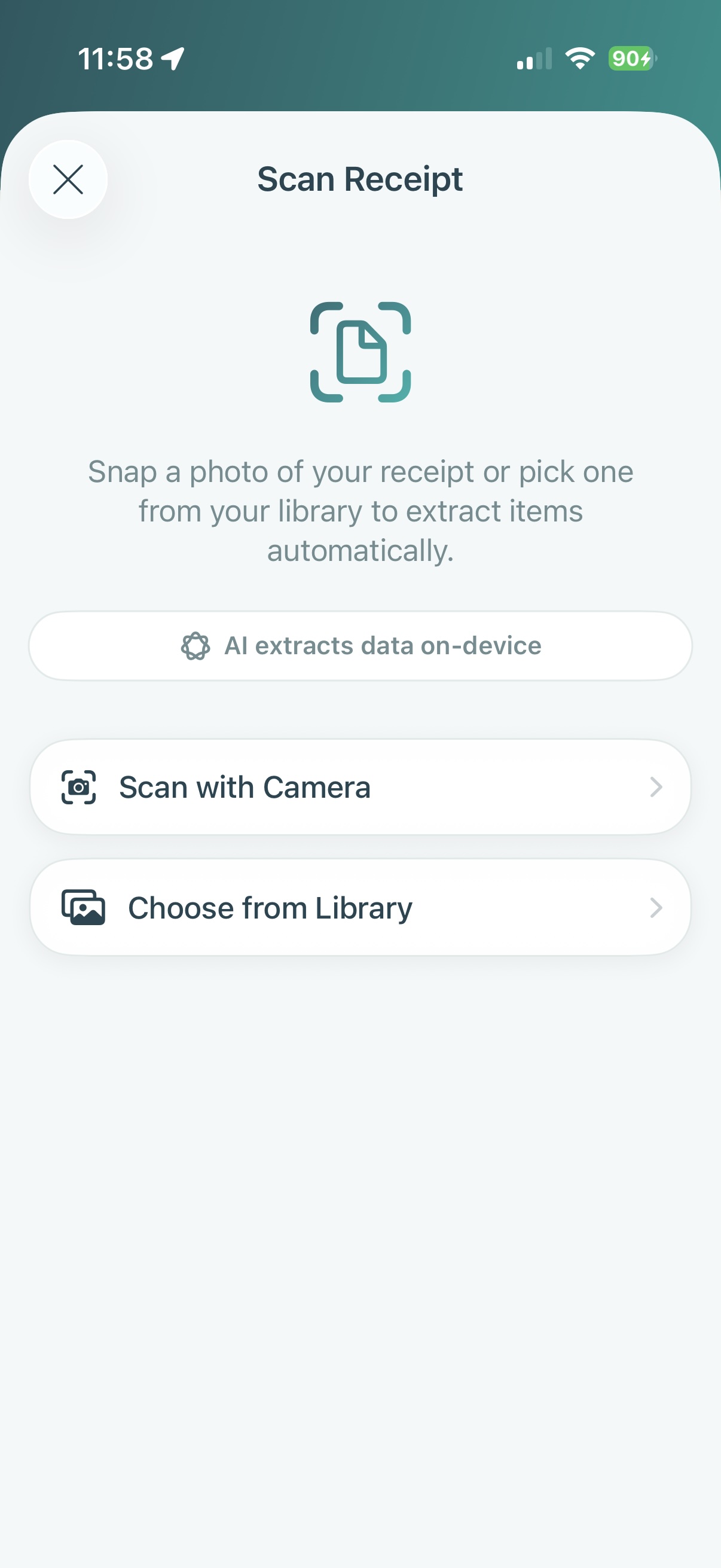
Step 1
Scan any receipt
Right after you pay — at the supermarket, the hardware store, the cafe, the gas pump — snap a photo. MyShoppr reads every line, even when the page is crumpled or the printer skipped a beat.
- One-tap multi-page capture
- Item, price, quantity, and total parsing
- Edit or re-take any page
- Save directly into the store you bought from
Step 2
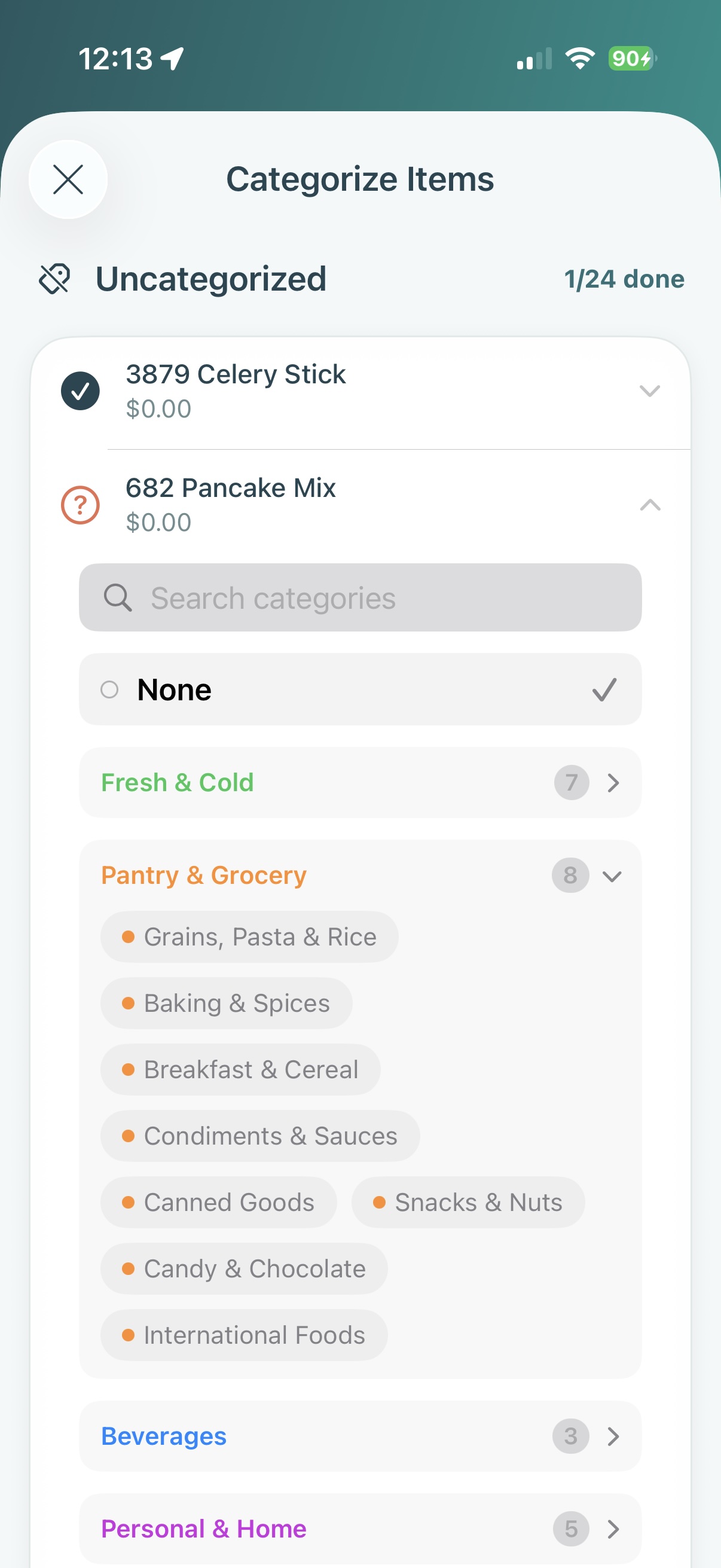
Review & categorize
Quick-glance through parsed items, fix any odd lines, tag categories — "office", "fuel", "household", whatever you need. The app remembers your choices so the next receipt needs less of your time.
- Batch-categorize uncategorized items
- Match items to your catalog of usuals
- Adjust totals, taxes, and tips
- Remembered choices speed up next time
Step 3
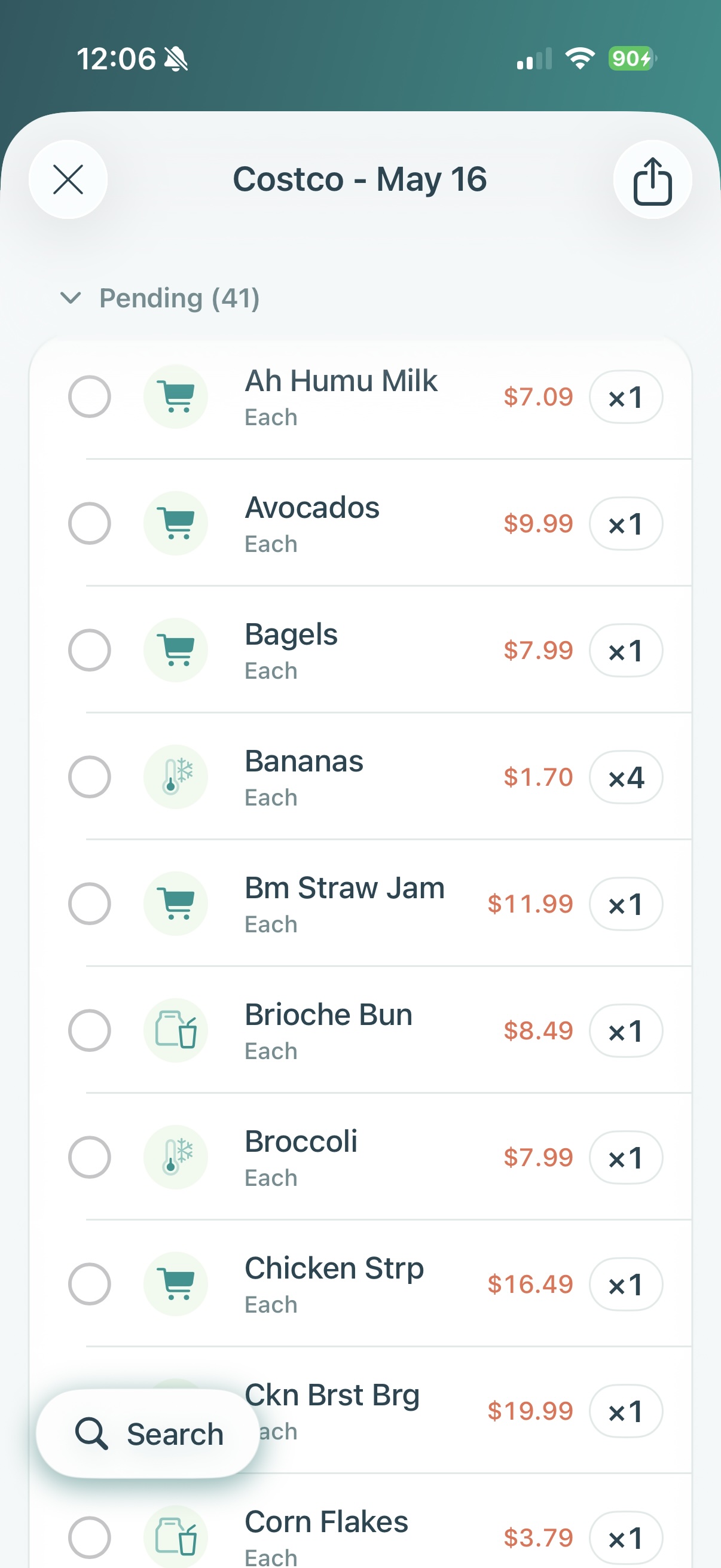
Plan the next run
Pull from your usuals, last week's list, a saved recipe, or a recurring supply bundle. Compare prices across stores. Hand the list to whoever's running the errand — even if it's not you.
- Lists tied to a specific store or supplier
- Add from saved recipes or bundles
- See the best price across stores
- Hand the list to a household member or teammate